ADAM Audio D3V vs T5V: which monitor should you buy
If the speakers are going on your desk either side of the screen and will spend their life at conversation volume, buy the ADAM D3V. If they are going on stands behind the desk and you intend to mix on them, buy the ADAM T5V. Everything below explains why, because the two pairs cost within twenty euro of each other, and that is the part that keeps people stuck.
Short version. The D3V is €289 a pair, with USB-C and desk-specific voicing switches. The T5V is €154.86 each, so €309.72 a pair, with XLR and roughly nine decibels more headroom. That is a €21 gap. You are not choosing with your wallet here. You are choosing with a tape measure and a look at the back of your interface.
Jump to:

The pricing trap: pairs versus singles
Start with the number that sends half of these comparisons off a cliff.
The D3V is sold as a pair. The T5V is sold as a single speaker. On the shelf you see €289 and €154.86, and the instinctive read is that the D3V costs nearly twice as much. It does not. A pair of T5Vs is €309.72, so the real gap is about twenty-one euro, less than a decent pair of cables and a stand.
That reframes the decision. If the gap were €300 we would be having a budget conversation. At €21, budget stops being an argument and the question becomes practical: how much desk have you got, and what are you plugging into.
What the spec sheets actually say
Every figure below comes from ADAM Audio's published specifications rather than our impressions. Worth flagging up front, because nothing here asks you to take a "you can clearly hear it" on faith.
| ADAM D3V | ADAM T5V | |
|---|---|---|
| Sold as | a pair | a single speaker |
| Price | €289 the pair | €154.86 each, €309.72 the pair |
| Tweeter | D-ART 1.5", 2.8 sq in diaphragm | U-ART 1.9" with HPS waveguide, 4 sq in |
| Woofer | 3.5" aluminium plus two passive radiators | 5" polypropylene, rear bass-reflex port |
| Amplification | 240W total system | 70W RMS per monitor |
| Frequency response | 48Hz to 22.6kHz at -3dB | 45Hz to 25kHz at -6dB |
| Max SPL | 97dB | 106dB or better |
| Inputs | USB-C, balanced TRS, 3.5mm headphone out | XLR and RCA |
| Dimensions | 200 x 115 x 150mm | 298 x 179 x 297mm |
| Weight | 3.58kg the pair | 5.7kg each |
Look hard at the last two rows, because they decide this more often than anything else. A pair of T5Vs weighs 11.4kg and takes roughly three times the volume of a pair of D3Vs. On a 60cm-deep desk that already holds a screen and a keyboard, that is not a detail. That is the whole argument.
Nine decibels of difference
The sharpest difference here is headroom. The D3V is rated at 97dB, the T5V at 106dB or better. That is over nine decibels, and no amount of enthusiasm closes it.
In practice the D3V plays exactly as loud as you need with your head half a metre away, while the T5V has enough in reserve to fill a room and still leave margin for a louder check. If you like to occasionally push a mix to the level where a neighbour reminds you they exist, the D3V taps out first. Neither goes to eleven, but the T5V stops noticeably later.
Why that number means something quite different from "loudness" has its own read: SPL in studio monitors. Short version: headroom is not about playing loud, it is about whether the driver is working comfortably or at its limit.

Why 45Hz is not better than 48Hz
This is where most comparisons online get it wrong.
The D3V is quoted at 48Hz at -3dB. The T5V is quoted at 45Hz at -6dB. Glance at that and the T5V appears to reach three hertz lower, case closed. Except those are two different measurements. A -6dB tolerance is the more forgiving of the two, so it lets you print a lower number for the same driver.
The honest comparison: at the same -6dB tolerance the D3V is quoted at 45Hz as well. Identical. On paper both pairs reach equally far down, and one spec sheet simply chose the more conservative way of saying it.
So low-end extension is a useless tiebreaker between these two. What differs is how much air each one moves at a given frequency, and that shows up in the SPL figure and the driver size, not in the number at the bottom of the range. To read these graphs without being steered, see our guide to a monitor's frequency response.
USB or XLR, and the bit nobody mentions
The D3V has USB-C, and it is the headline feature. One cable to the computer and they play, no interface, nothing else in the chain. For someone with a laptop who wants better than the speakers built into a screen, that closes the question in a single move.
Here is our one strong opinion in this article. In ADAM's own specification that USB input is class-compliant USB 1.1 running at 16-bit. Fine for playback and desk work. But if you already own an interface, the feature you are substantially paying for is the one you should not use for mixing: feed the D3V over balanced TRS instead and treat USB as a travel convenience. Worth knowing before you buy rather than after.
The T5V has no such dilemma, because it has no USB. XLR and RCA only, which is to say it assumes something sits in front of it. Neither a flaw nor a virtue, just a different design assumption: the T5V is a monitor for a signal chain, the D3V is a monitor that can be the whole signal chain.
One more thing people ask constantly: the D3V has no Bluetooth. The specification lists USB-C, balanced TRS and a headphone output, and that is the complete list.
Which one is for you
Both have room controls, designed around different problems. The D3V gets three switches: bass position (0, -3 or -6dB), desk compensation, and a treble setting for room acoustics. That is a toolkit for one situation, where the speaker sits on a hard desktop near a wall. The T5V gets conventional shelves above 5kHz and below 300Hz, two decibels either way, plus input sensitivity from -10 to +4dB.
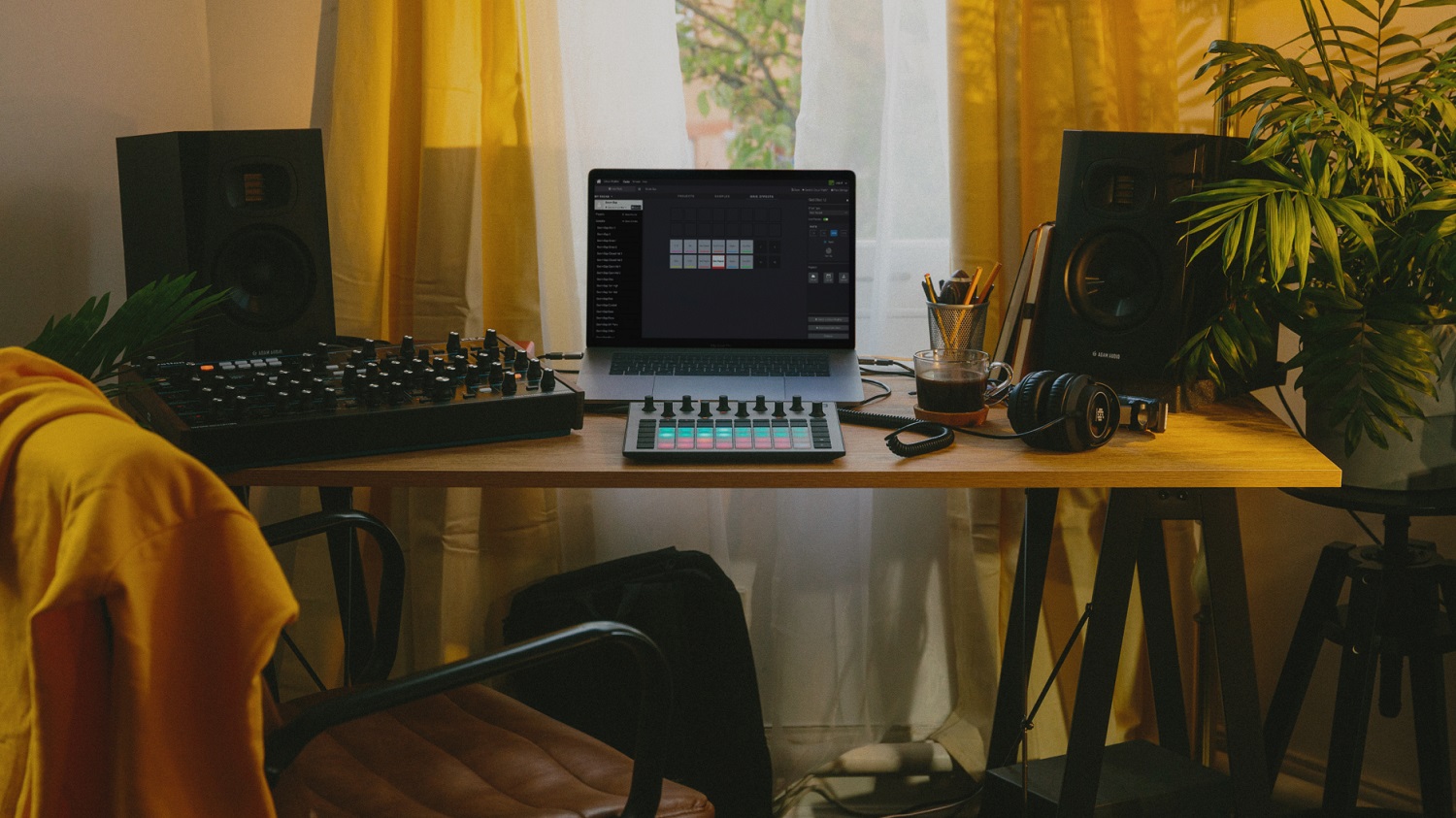
Take the D3V if: your head sits under a metre from the speakers, space is genuinely tight, the source is a computer with no interface, and the pair doubles as your everyday listening system after hours.
Take the T5V if: you own an interface with XLR outputs, there is room for stands or a shelf behind the desk, you are mixing and want the headroom, and a subwoofer is somewhere in your future.
Still assembling the desk from scratch? Start with our piece on how to choose active studio monitors, which takes the whole decision apart rather than just these two.
Six things off the shelf
1. ADAM D3V Black, €289 the pair. For a desk where every centimetre of depth is spoken for. There is a white version at €298 if the rest of your gear is light.
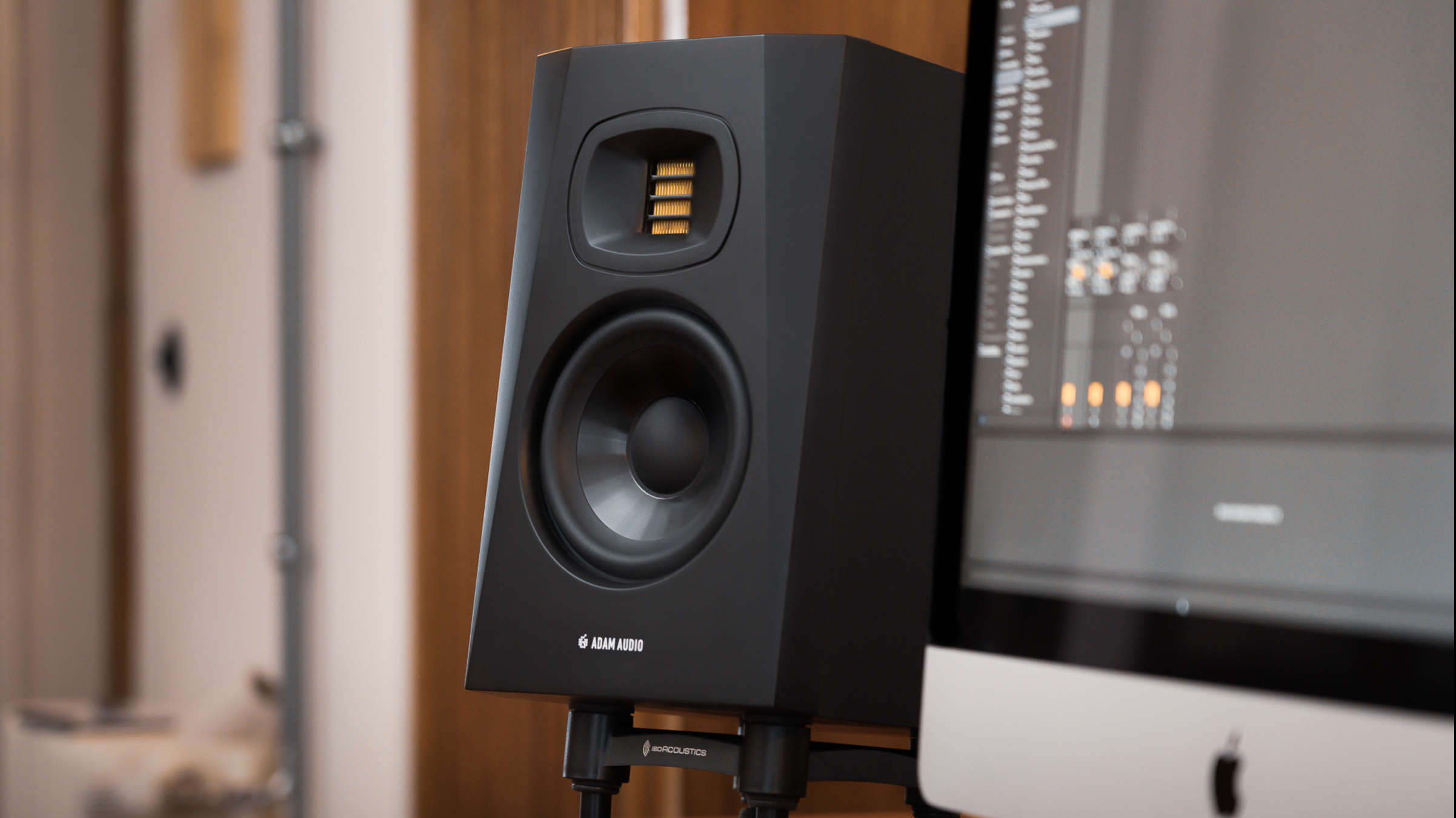
2. ADAM T5V, €154.86 each. The classic nearfield: ribbon tweeter, XLR, five-inch woofer. You buy two. This is the entry point to the T series and the most common answer to "my first proper monitors".
3. ADAM T7V, €192.46 each. The T5V with a seven-inch woofer. It earns its place when the room is bigger than a typical bedroom and the desk is pulled away from the wall.
4. Two ADAM T5V plus an Audient iD4 MKII, €450.97. The pair with the interface that gives them something to plug into. If you are going the T5V route without an interface, this closes it in one order.
5. ADAM T10S, €389. A ten-inch subwoofer. Add it to a T5V or T7V pair when you genuinely work with low frequencies, not when you want things to feel bigger.
6. ADAM A7V, €564. The A series, a clear step up. It becomes relevant once the T series has started limiting you, not as a way of spending more at the outset.
And one item from outside the comparison, because the question comes back every time: ADAM Audio H200, €129. Headphones from the same maker, for checking a decision you made on the monitors. They do not replace monitors.
What neither of them will fix
We sell both, so take this section in the spirit it is offered.
They will not fix your room. With €21 between the pairs, where you put the speakers matters far more than which pair you put there. We had a customer with roughly €1,800 worth of monitors in an untreated room who still could not trust the low end; about €70 of corner bass traps did more for his mixes than the speaker upgrade had. Before stretching to a higher model, read how to position studio monitors, because that improvement costs nothing.
They will not fix a weak source. Feed either pair from an output that hisses and the better speaker just shows you the hiss in more detail. The order is the opposite of the intuitive one: a decent output first, better monitors second.
And do not buy the T7V as future-proofing if you work in a small room. A seven-inch driver in a space you cannot treat usually adds a low-end problem rather than an advantage. A D3V, or a T5V positioned properly, is the more honest tool than a bigger model shoved against a wall.
Our showroom is at Nowogrodzka 6A/102 in Warsaw. With €21 between them, the fastest route to a decision is to turn up with your own material and hear both pairs back to back. Selected equipment comes with a free 30-day Test-Drive, and ADAM Audio products carry a 60-month warranty with us instead of the usual 36. We ship to every EU country.
Straight answers
Is the ADAM Audio D3V good?
For what it was designed to do, yes. It uses the same D-ART ribbon tweeter family as ADAM's larger monitors, packs 240W of total amplification into a 3.58kg pair, and includes three voicing switches aimed specifically at a speaker sitting on a hard desk near a wall. The honest limits are its 97dB maximum SPL, which is enough for close listening but not for loud checks, and a cabinet small enough that it needs a nearfield position to make sense. It is a very good desktop monitor rather than a small version of a big one.
What is the D3V monitor from ADAM Audio?
It is a compact active desktop monitoring system sold as a stereo pair. Each speaker carries a 1.5-inch D-ART tweeter and a 3.5-inch aluminium woofer with two passive radiators, and the pair shares 240W of amplification. It connects over USB-C, balanced TRS or through its own 3.5mm headphone output, so it can run directly off a computer without an audio interface. Each cabinet measures 200 x 115 x 150mm.
ADAM D3V vs T5V, which should I get?
Space and connections decide this, not price, because a pair of D3Vs is €289 and a pair of T5Vs is €309.72. Choose the D3V when the speakers sit on the desk close to your head, room is tight, and the source is a computer without an interface. Choose the T5V when you have an interface with XLR outputs, somewhere to place stands, and want headroom for mixing. The T5V is rated at 106dB maximum SPL against 97dB for the D3V.
How good are ADAM Audio speakers generally?
ADAM built its reputation on ribbon tweeters, and that technology runs from the entry-level T series right up to the main monitors. The practical consequence is that the family shares a recognisable treatment of the top end, so moving from a T5V to an A7V later is a step up rather than a change of character. On the ownership side, ADAM Audio products carry a 60-month warranty with us rather than the standard 36, which matters more on an active monitor than on a passive one because the amplifier is inside the box.
Is the ADAM D3V suitable for listening to music?
Yes, and it is one of the more sensible uses for this model. The USB-C input and headphone output mean the pair works as a complete system next to a computer with nothing else in the chain. The bass position switch and desk compensation let you match the sound to the surface you are actually sitting at. The T5V will of course play music too, but it needs something to feed it over XLR or RCA first.
Does the ADAM Audio D3V have Bluetooth?
No. The manufacturer's specification lists three connections: a USB-C input, a balanced TRS input and a 3.5mm headphone output. Bluetooth is not among them. If you want to play wirelessly you need a separate receiver connected to the TRS input.
Measure the desk, look at what is on your output, and only then look at the price. With €21 between them the wrong call costs you no money at all, just a few months on a pair that does not suit the setup. And once your first proper monitors have you noticing the vocal sits too loud on a record you have known for fifteen years, welcome to the club. There is no way out, and the membership fee is paid in bass traps.
Read next
- The studio monitor woofer. Why 3.5 inches and 5 inches are a different conversation from frequency response.
- Best start-class studio monitors 2026. What else sits in this budget besides the T series and the D3V.
- Your first studio, start here. What else belongs on the desk before the monitors start to matter.