What Is Sample Rate? And Does a Bigger Number Sound Better?
Sample rate is how many times per second a converter measures an incoming analogue signal, written in kilohertz: 44.1 kHz means 44,100 measurements every second, and it sets the highest frequency the recording can contain. Bit depth is how precisely each of those measurements is stored, and it sets the dynamic range and the noise floor, not the frequency range. Those two sentences settle most of the arguments on the internet, which is presumably why the internet keeps having them. My intern once told me 44.1 and 48 were basically the same. He was closer to right than the forum thread arguing underneath, and I have still not fully recovered.
The short version. Record at 24-bit, every time. Choose 44.1 kHz for music that stays music, 48 kHz for anything that will ever meet video. Higher rates are a tool for particular jobs, not a quality dial. And the audible difference between two interfaces comes from the converters and the clock rather than from the number printed on the box, which is why the Audient iD4 MkII at 138 euro already records at 24-bit and 96 kHz.
Jump to:
What the two numbers actually measure
Start with sample rate, because it is the one people argue about and the one with a hard ceiling built into the physics.
A digital recording can only contain frequencies up to half its sample rate. That is not a manufacturer's rule, it is the Nyquist limit, and it is why 44.1 kHz exists: half of 44,100 is 22,050 Hz, comfortably above the roughly 20 kHz top end of young, undamaged human hearing. If you have spent twenty years standing next to drummers, as I have, your personal ceiling is a good deal lower and you have made your peace with it.
Bit depth is a completely different job, and mixing the two up is where most of the confusion starts. Each bit buys you roughly 6 dB of dynamic range. So 16-bit gives about 96 dB between the noise floor and the loudest thing you can record, and 24-bit gives about 144 dB in theory.
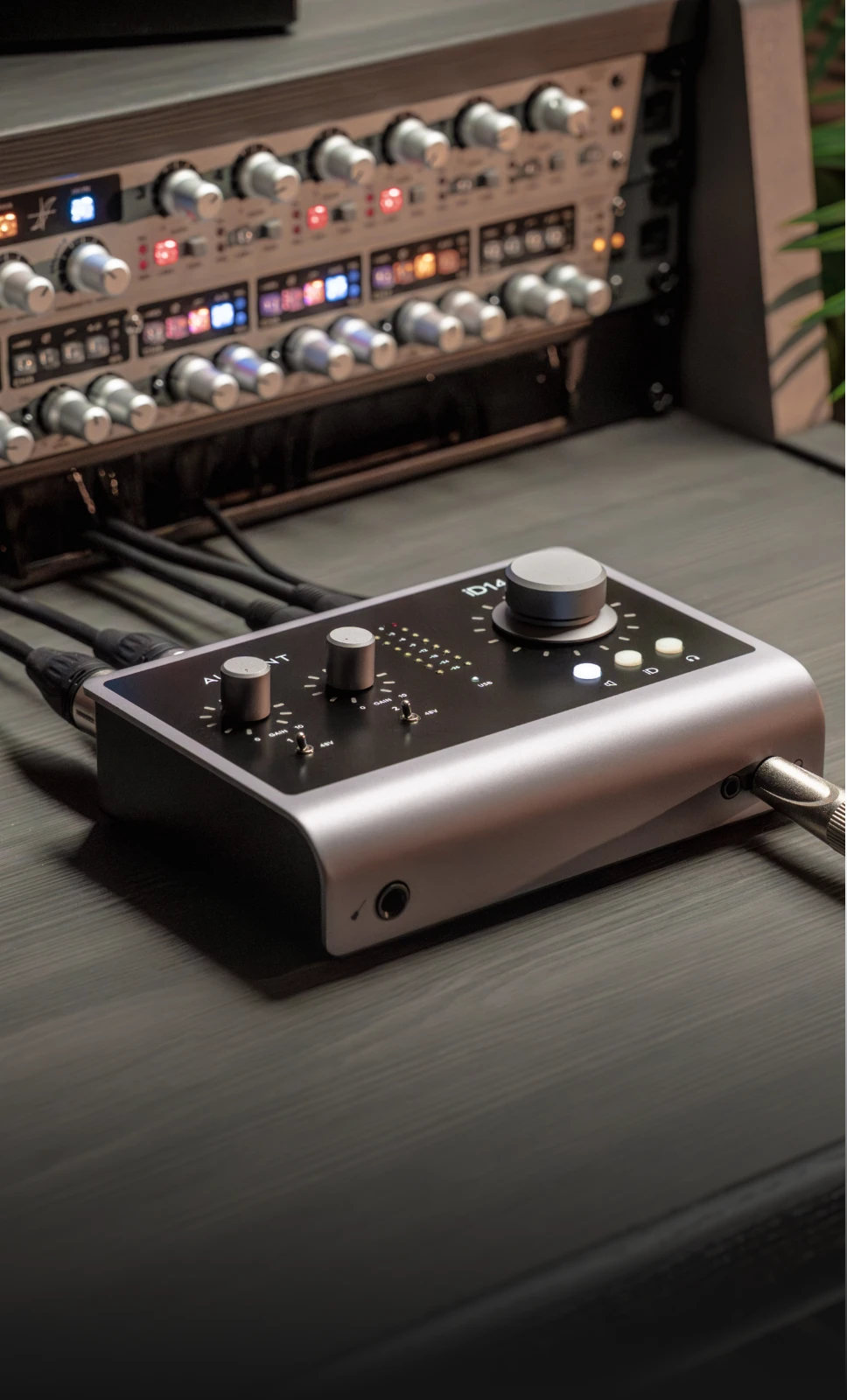
In theory. No converter on earth delivers 144 dB, because long before you get there the analogue electronics are making their own noise. Look at real numbers instead: the Audient iD14 MkII at 206 euro measures 121 dB on the way in and 126 dB on the way out. That is the honest limit of a very good interface at that price, and it is nowhere near the theoretical figure. Bit depth does not buy you resolution the way pixels buy you sharpness. It buys you room to be wrong about your gain staging without hearing hiss for it.
44.1 or 48, the argument that will not die
Both are correct. They come from different industries, and that is the entire story.
44.1 kHz arrived with the compact disc and stayed as the baseline for music. 48 kHz is the standard on the video and broadcast side, which is why your camera, your NLE and every film post house speak it natively.
So the question is not which sounds better. It is where the file is going. Music that will only ever be music: 44.1 kHz. Anything that will meet picture, including a podcast that might get a video version six months from now: 48 kHz, and you have saved yourself a conversion. Converting between them is not a catastrophe, modern algorithms are excellent, but it is a step that buys you nothing when you could have simply started in the right place.
For streaming there is no guessing needed, because the platforms publish their requirements. Spotify asks for FLAC, at 44.1 kHz or higher, at 24-bit when that is your original master and 16-bit only when no deeper master exists, and it asks you to deliver the file exactly as it was mastered. Read that last part twice. Upsampling a 44.1 kHz master to 96 kHz before you send it does not add anything that was not recorded, and the platform will re-encode it regardless.
Should you record at 96 kHz
Sometimes, for specific reasons, and not as a default.
The genuine cases are real. If you are going to pitch a recording down two octaves for sound design, more samples give the algorithm more to work with. Some nonlinear plugins, distortion and saturation especially, behave better at higher rates because there is more headroom above the audible band for the artefacts to land in. If your work is field recording or heavy time manipulation, 96 kHz earns its place.
The costs are equally real and nobody puts them on the box. Double the sample rate and you double the file size and roughly double the processing load. On a modest laptop that shows up as fewer tracks and plugins before the audio starts breaking up. I spent the best part of a year tracking everything at 96 kHz because it felt more professional. What I got was a full hard drive and a laptop fan doing a passable impression of a hi-hat.
For a vocal, a guitar and a few software instruments heading for streaming, 48 kHz at 24-bit will not be the reason your record does or does not work.

Where the audible difference really lives
Here is the one strong opinion in this article, and it argues against the more expensive sale: past 24-bit and 48 kHz, the number stops being the thing you are buying. What separates one interface from another is the quality of the converters, the stability of the clock and the headroom of the preamps. Those are the specifications nobody puts in a headline, because they do not sound impressive on a shelf label.
Our own catalogue makes the point better than an argument does. Prices are as of today.
The spec is already there at the bottom. The Audient iD4 MkII at 138 euro records 24-bit at 96 kHz. Everything above this point on the ladder is buying you better conversion, not bigger numbers.
Watch the marketing carefully. The Audient iD24 at 302 euro advertises 32-bit conversion with 126 dB of dynamic range, and its own specification sheet then says: sample rate up to 96 kHz, 24-bit. Both statements are true. The 32-bit figure describes what happens inside the DAC, and the file you record is still 24-bit at 96 kHz. This is not Audient being sneaky, it is the whole industry, and it is exactly why reading past the headline number pays.
Then it becomes about the clock. The Antelope Zen Quadro Synergy Core at 562 euro reaches up to 130 dB of dynamic range and runs Antelope's 64-bit AFC clocking. The RME Babyface Pro FS at 663 euro puts the clock in the model name, and RME quotes its converter latency in single-figure samples. Timing accuracy is the part of digital audio you can hear and cannot see on a spec comparison table.
And the far end. The Lynx Studio Hilo 2 USB at 4,278 euro handles conversion up to 192 kHz with DSD support, which is where mastering rooms live. Nobody needs it to answer the question in this article's title, and saying otherwise would be a sales pitch rather than an answer.
If you want the inputs, preamps and connection types compared properly rather than in passing, our guide to choosing an audio interface does that job.


The mistake that costs you takes
None of the above is what actually goes wrong in real sessions. This is.
Your project is set to 48 kHz and your interface is still set to 44.1 from yesterday. Depending on the software you get clicks, playback at the wrong pitch, or a recording that drifts out of sync across ten minutes and looks fine until it does not. Or you import a folder of 44.1 kHz samples into a 48 kHz project and the machine resamples all of them on the fly while you wonder why the CPU meter is angry.
The fix takes ten seconds and is entirely unglamorous. Set the interface first, in its own control panel. Set the project to match. Do it before you record rather than after, because changing the rate halfway through a session is how takes get lost. And check your bit depth while you are in there, because a project quietly sitting at 16-bit is a thing that happens to everyone exactly once.

Converter quality is the one thing on this page you genuinely cannot judge from a specification sheet, which is inconvenient for an article and useful for a shop. Our Warsaw showroom on Nowogrodzka has these interfaces connected and running, so you can put the same file through two of them and find out whether the difference is worth the money to your ears rather than to a forum's. Or take one home on a free 30-day Test-Drive: a short contract, real sessions in your own room, then you decide. Everything carries a 36-month warranty, 60 months on PMC and ADAM Audio, there is a 30-day return window, and we ship to every EU country. If you are still assembling the room around the interface, your first studio, start here sets the order of purchases.
Straight answers
Which is better, 48kHz or 44.1 kHz?
Neither, and the choice is about destination rather than quality. 44.1 kHz came from the compact disc and remains the baseline for music releases. 48 kHz is the video and broadcast standard, so anything that will sit under picture belongs there. Both capture every frequency a human can hear. Pick the one that matches where the file is going and avoid a pointless conversion later.
Is Spotify 44.1 or 48kHz?
Spotify asks for FLAC at 44.1 kHz or higher, at 24-bit when that is your original master, and 16-bit only when no higher-depth master exists. The important instruction in their own documentation is to deliver the file exactly as it was mastered. Do not upsample a 44.1 kHz master to please an algorithm, because the platform re-encodes everything to its own format anyway.
Should I record at 48kHz or 96kHz?
48 kHz for most music and spoken word work. Choose 96 kHz when you have a specific reason: extreme pitch or time manipulation, sound design from field recordings, or heavy use of nonlinear plugins where the extra headroom above the audible band helps. Remember that 96 kHz doubles your file sizes and roughly doubles the processing load, which on a modest computer means fewer tracks before things break up.
What is 96kHz sample rate?
It means the converter measures the incoming signal 96,000 times per second, which allows the recording to contain frequencies up to 48 kHz, well beyond human hearing. The benefit is not that you hear those frequencies. It is that processing which stretches, pitches or distorts audio has more data to work with, and that ultrasonic artefacts from nonlinear plugins have somewhere harmless to land.
So: 24-bit, always. 44.1 or 48 depending on where the file is heading. And after that, stop reading spec sheets and start listening to converters, because that is the part of this that your ears can actually settle. If you find yourself in a fourth forum thread tonight comparing 96 against 192 on a pair of laptop speakers, the sample rate is not the weak link in your signal chain, and I say that with the affection of a man who has been that person.
Read next
- How to Record Vocals at Home. Where these settings stop being theory and start being a session.
- Active Studio Monitors: How to Choose the Right Pair. The other half of hearing what your converters are doing.
- How to Choose Studio Headphones. For the nights when the monitors have to stay off.