

What Is a Synthesizer? A Plain-English Beginner's Guide
A synthesizer is an instrument that builds sound from scratch, using electronics instead of strings, air, or a very patient drummer. You start with a raw electronic tone and shape it into anything from a warm bass to a screaming lead to a pad that sounds like a spaceship clearing its throat. That is the whole trick, and once it clicks, it is hard to stop. (Ask anyone in the shop. We have all lost a weekend to one knob.)
The short version. A synthesizer generates sound electronically rather than recording it, then shapes that sound with a few core tools, an oscillator for the raw tone, a filter to carve it, and an envelope to give it a shape in time. It is not the same as a keyboard or a MIDI controller. Your first one does not need to be expensive or even have keys. A hands-on little mono like the Arturia MicroBrute teaches you more than a menu-diving monster twice the price. Best of all, come turn a few real ones at our Warsaw showroom before you spend a euro.

What a synthesizer actually is
Start with the sound, not the shape. A synthesizer does not have a string to pluck or a reed to blow. It creates an electrical signal, an oscillation, and then gives you controls to bend that signal into a musical note. A guitar makes one basic sound and you play it. A synth makes almost any sound, and part of the instrument is deciding what that sound is in the first place.
That is why two players with the same synth can sound nothing alike. One dials in a glassy bell, the other a filthy sub-bass, same box, same afternoon. If you have heard the pulsing theme to Stranger Things, the wall of Blade Runner, or basically all of Daft Punk, you have heard synthesis doing the heavy lifting. It has been quietly running pop, film, and dance music for fifty years now, which for an instrument once called a passing fad is a decent run.
The word covers a lot of ground. A synth can be a big keyboard, a small desktop box with no keys at all, a wall of patch cables, or a plugin living inside your laptop. They all do the same core job. They generate a tone and let you sculpt it.
Synth, keyboard, or MIDI controller? The confusion, cleared up
This is the question we answer most on the shop floor, so let us settle it early. These three things look similar and get muddled constantly, but they do different jobs.
- A synthesizer makes sound. It has the actual sound engine inside. Plug it into an amp or interface and you hear it. Keys are optional, plenty of great synths are keyless desktop units.
- A digital keyboard or workstation makes sound too, but with a different goal. It leans on realistic pianos, organs, and ready presets for players who want to sit down and perform, not design tones from raw waveforms. Lots of overlap, different emphasis.
- A MIDI controller makes no sound at all. None. It is a set of keys or pads that tells software or another synth what to play. On its own it is a very expensive way to practise silently. A controller is the right first buy only if you already produce in a DAW and just need keys.
Rule of thumb. If you want to make sounds on their own, you want a synth. If you only need keys to trigger sounds already on your computer, you want a controller. Get those two mixed up and you either end up with a silent slab or a synth you never learn to program.
How a synth makes sound, the building blocks
Nearly every synth ever made, hardware or software, uses the same handful of parts in the same order. Learn these five and you can walk up to almost any synth and get a sound out of it. This is the part worth actually understanding.
- Oscillator. The sound source. It makes the raw tone, usually as a waveform with a name like sawtooth, square, or sine. Think of it as the vocal cords. Everything downstream is just shaping what the oscillator produces.
- Filter. The tone carver. It removes frequencies you do not want, most often the high end. Open the filter and the sound gets bright and buzzy, close it and it goes dark and round. That satisfying wub you hear in dance music is a filter being swept in real time.
- Amplifier and envelope. The shape over time. The envelope decides how a note behaves from the moment you press a key, does it stab in and vanish like a pluck, or swell in slowly like a pad. The classic control set here is ADSR, for attack, decay, sustain, and release.
- LFO. The hands-free wobble. A low frequency oscillator moves something for you, automatically and on repeat. Point it at pitch for vibrato, at the filter for that rhythmic pulse, at volume for tremolo.
- Modulation. The glue. This is just letting one control move another, the LFO nudging the filter, the envelope opening the tone. Modulation is where a static sound turns into a living one, and it is where the fun genuinely starts.
Signal flow runs left to right in that order. Oscillator makes it, filter shapes it, envelope times it, LFO and modulation keep it moving. That is the entire machine in one sentence. Everything else is a fancier version of those five jobs.
The main types of synthesis
Synths differ mostly in how they generate and combine tones. You do not need to memorise these, but knowing the names helps you understand what a synth is good at before you buy it.
- Subtractive. The classic, and the one to learn first. Start with a rich waveform and filter away what you do not want. Almost every famous analog sound is subtractive. If a synth is described as analog, this is usually what it does.
- FM. Frequency modulation, where one oscillator changes the pitch of another very fast. Great for bright bells, electric pianos, and metallic tones. The reason a lot of 1980s records sound the way they do.
- Wavetable. The oscillator scans through a table of different waveforms, so the tone can morph and evolve as it plays. The engine behind most modern, moving, cinematic sounds.
- Additive and granular. The deep end. Additive builds a sound by stacking simple tones together, granular chops audio into tiny grains and rebuilds it into textures. Wonderful, weird, and not where you start.
Two more splits you will meet immediately. Analog versus digital, where analog shapes real electrical voltage and tends to sound warm and a little unpredictable, while digital does the maths in a chip and gives you more features for the money. Neither is better, they are different flavours. And hardware versus software, a real box you can touch versus a plugin in your DAW. And monophonic versus polyphonic, one note at a time for basses and leads, versus many notes at once for chords and pads.
A few synths that changed music
Worth knowing, because these names come up forever and their sounds are baked into music you already love. The Minimoog made the fat lead and bass that defined the 1970s. The Yamaha DX7 put FM bells on nearly every 1980s ballad. The Roland TB-303, a commercial flop meant to fake a bass guitar, accidentally invented acid house. And Moog's modular walls are the reason patch-cable spaghetti still looks like the future to people who were not even born yet.
You cannot buy those exact vintage units off our shelf, and honestly you would not want to as a first synth. The good news is that the modern gear borrows all of it. A new Moog or Arturia gives you that lineage in a box that boots up, stays in tune, and does not need a technician on call.
Your first synth, by what you actually want to make
Here is my one strong opinion, and it will save you money. Do not buy the synth with the most features first. Buy the one with one knob per job you will actually turn. Beginners who start on a deep, menu-diving machine tend to freeze and quit. Beginners who start on a simple hands-on mono learn how synthesis really works, then upgrade knowing exactly what they want.
And before you spend anything, I will happily talk you out of it for a week. Download a free software synth like Vital and learn the oscillator, filter, and envelope chain for zero euros. It is the same chain on every hardware synth in the shop. Once you know which knobs you keep reaching for, the hardware becomes an easy, obvious choice instead of a gamble. Hardware earns its money on the feel and the immediacy, not on magic no plugin can match.
When you are ready for a real box, here is the ladder we actually recommend, cheapest first. Prices move, so treat these as a guide.
- Pocket money, learn the fundamentals. The Korg NTS-2 around 160 euros is a tiny build-it kit that teaches oscillators and an oscilloscope hands-on. A brilliant, cheap way in.
- Learn to patch, real Moog filter. The Moog Mavis around 250 euros is a semi-modular starter with genuine Moog character and just enough cables to teach modulation without drowning you.
- The classic first analog. The Arturia MicroBrute around 290 euros is the one I hand most beginners. One knob per function, a filthy little filter, and nothing hidden in a menu.
- If you make beats, not melodies. The Elektron Model:Cycles around 290 euros is a groovebox that sequences six FM sounds into full tracks. A different door into the same room.
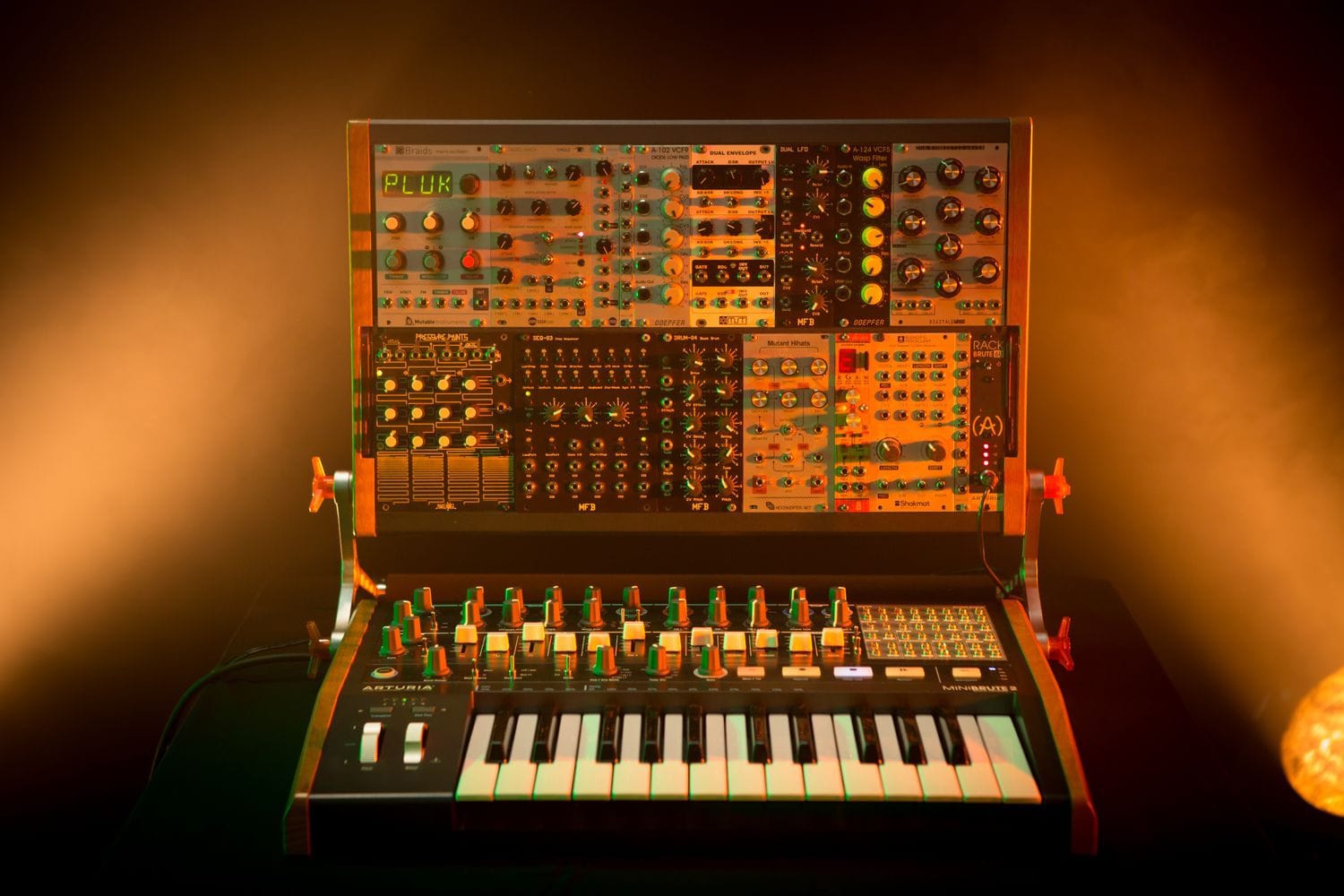
- One step up, room to grow. The Arturia MiniBrute 2 around 470 euros adds a built-in sequencer and a patch bay, so it grows with you into modular later.
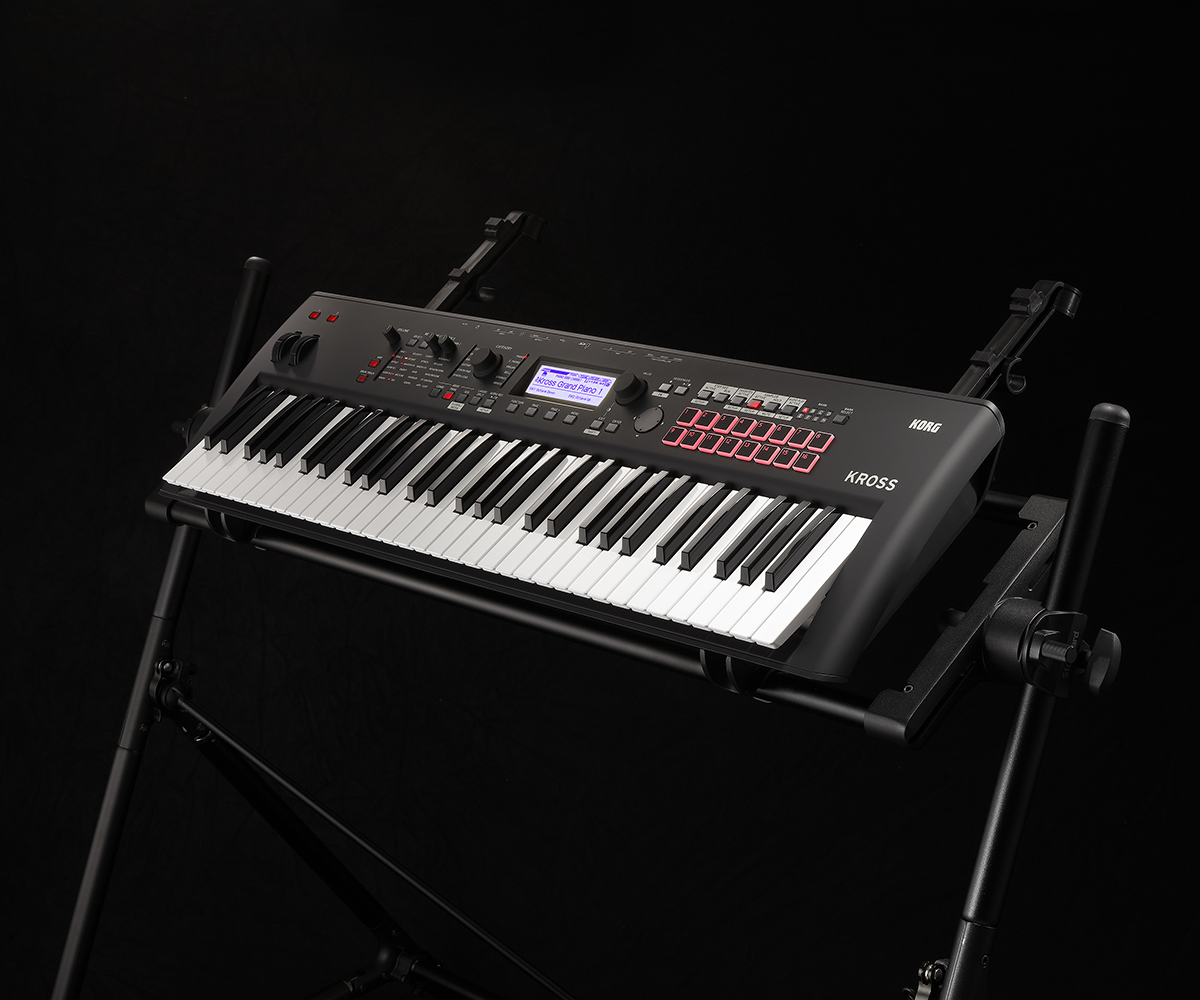
- If you play keys and want sounds ready to go. The Korg Kross 2 around 670 euros is a light workstation with proper keys, pianos, and hundreds of presets.
- You are hooked now, no going back. The Moog Grandmother around 1,040 euros is a semi-modular Moog with a spring reverb and a real sense of occasion. The one people stop apologising for.
Whatever you land on, you get a 36-month warranty across the range, a 30-day return window if it is not for you, and free shipping on orders over 900 zł within Poland, with delivery across the EU. There is also a 30-day Test-Drive on eligible gear, and a fair few synths qualify, so you can live with something like an Elektron for a month before you commit. But do not buy a synth from a spec sheet. A synth is a feel, and feel does not photograph.
What else you need to actually start
Here is the part the spec pages skip. A synth alone will not fill a room. You need a way to hear it and, if you want to record, a way to get it into a computer. The good news is the starter chain is short and cheap, and you may already own half of it.
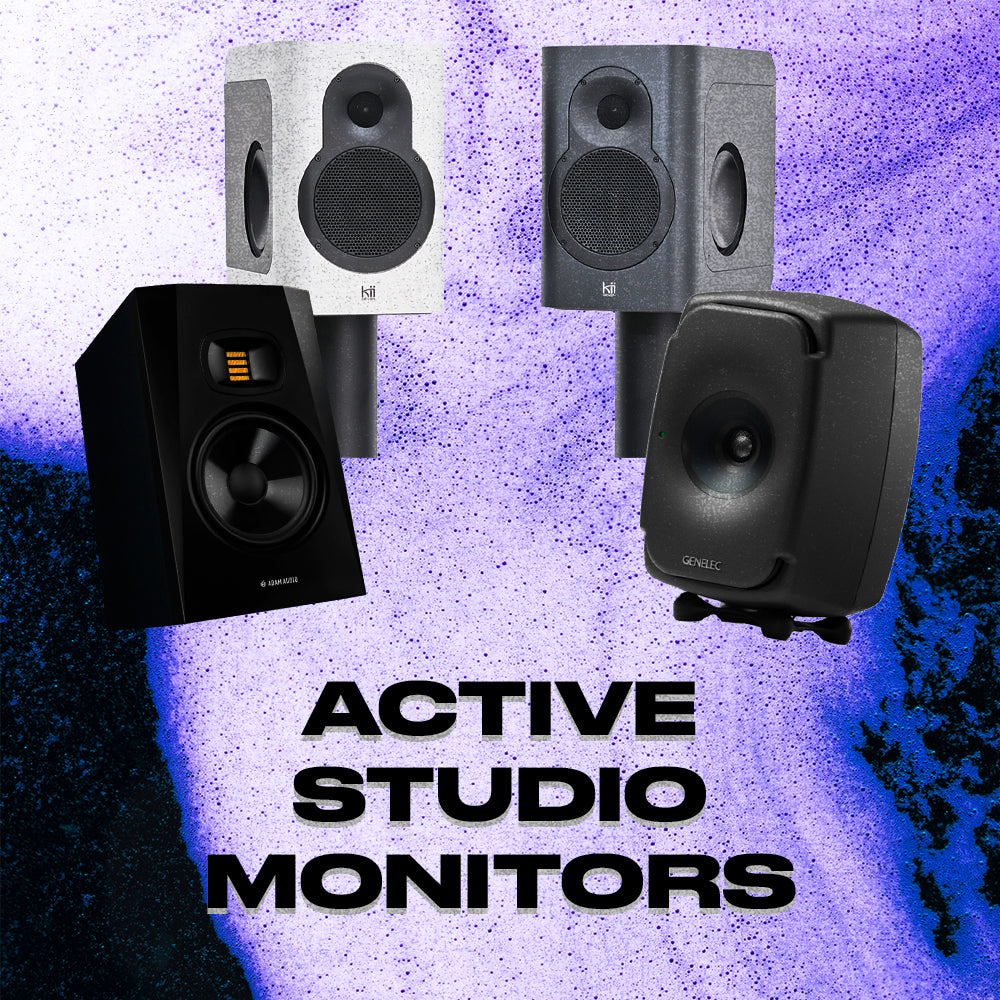
- Something to hear it on. To play out loud you need an amp or powered speakers. For a home setup, a pair of studio monitors is the honest choice, they tell you the truth about your sound. On a budget, or if the neighbours have opinions, a decent pair of headphones gets you playing tonight.
- Only if you want to record. An audio interface takes your synth's output and turns it into clean audio your DAW can capture. If you are only jamming through speakers, you can skip this for now. If you are making tracks, it is the first thing to add after the synth.
- Cables, and yes they matter less than you fear. Most desktop synths use standard jack cables. Nothing exotic, nothing that needs a mortgage. Buy a spare, because the one you need is always the one that walked off.
What you do not need on day one is a wall of gear. One synth, one way to hear it, and a free DAW is a complete setup. Add the rest when a real gap annoys you, not before. That order has saved more bank balances than any discount code we have ever run.
Straight answers
What exactly does a synthesizer do?
It generates sound electronically and then lets you shape that sound. An oscillator makes a raw tone, a filter carves the tone, and an envelope decides how it behaves over time. Unlike a recording, the sound is created from scratch, so a synth can make tones no acoustic instrument can.
What is the difference between a keyboard and a synthesizer?
A synthesizer builds and shapes sounds from raw waveforms, and it does not need keys at all. A digital keyboard or workstation focuses on ready-made realistic sounds like pianos and organs for performing. There is overlap, but a synth is about designing tone, a keyboard is about playing it.
Is a MIDI controller a synthesizer?
No. A MIDI controller makes no sound on its own. It sends note information to software or to another synth that produces the sound. Buy a controller only if you already make music in a DAW and just need keys or pads to play it.
What is the best synthesizer for beginners?
A simple hands-on synth with one knob per function beats a complex one you cannot navigate. The Arturia MicroBrute is our most-recommended first analog. If you make beats, the Elektron Model:Cycles is a friendlier door in. Learn on a free plugin like Vital first if you want to spend nothing yet.
Do I need to know music theory to use a synthesizer?
No. You can get great sounds by ear, turning knobs until it feels right, and plenty of famous records were made exactly that way. A little theory helps with chords and melody later, but sound design itself is about listening, not exams.
Analog or digital synthesizer, which should I get?
Analog shapes real voltage and tends to sound warm and slightly unpredictable. Digital does the maths in a chip and usually gives you more features and sounds per euro. Neither is better. For a first synth, pick the one whose sounds and layout you enjoy, then come hear both side by side.
A synth is the rare instrument where the fun starts before you can play a note, because half the joy is inventing the sound in the first place. Bring your headphones, tell us whether you are chasing basslines or film scores, and we will patch a few up with you. Fair warning, we will also argue about analog versus digital until closing. Consider that part of the service.
About the author
Michał Kaniuszkiewicz is a content manager and SEO specialist at Wired Tunes. He creates and optimizes content that helps readers find useful information about music, gear, and sound. Beyond his editorial work, he has been making music for 8 years in hip-hop, pop, and electronic genres — giving him insight into the subject not just from an SEO perspective, but from the inside, as a practicing musician and producer. This experience allows him to create content that's equally useful and clear for both beginners and experienced listeners and music creators.


Further reading, off-site. The history of the synthesizer on Wikipedia, and Sound on Sound's deep Synth Secrets series for when you want to go further down the rabbit hole.